Smart ordering, payments and an AI report every morning
One platform for the money side of your business.
Tab holds your stock, takes the order wherever the customer already is, collects the payment and settles to your bank the next day, then tells you every morning what sold and what to reorder.
- Real-time stock levels
- Orders in WhatsApp
- T+1 settlement
- 7am AI report

Amaka Stores
Today · across every channel
- Ankara wrap dress₦18,500 · 4 sold12 left
- Leather sandals₦9,500 · 7 sold3 left
- Beaded clutch₦6,200 · 9 soldOut of stock
The problem
The money you lose is the money you never see.
A dining room and a shop lose money in completely different ways. One loses it to time: waiting to order, waiting to pay, waiting on a walk to the kitchen. The other loses it to stock, and to selling the same thing in three places that disagree about what is left. What they have in common is that none of it ever appears as a loss. It is just a smaller number than it should have been.
Dining rooms & bars
The wait to be noticed.
A guest who sits for ten minutes before anyone comes over orders one drink instead of two. The second drink is not recorded anywhere, because it never happened.
Dining rooms & bars
The wait to pay.
A table that has finished eating and cannot settle up is a table you cannot sell again. On a Friday that is a whole cover, and it shows up as nothing except a quieter night than you expected.
Dining rooms & bars
The walk to the kitchen.
The order is written on paper, carried to the pass and shouted across to the bar, and somewhere in that a modifier goes missing. The plate comes back and gets made a second time at your cost.
Anyone who sells in a chat
The message answered an hour late.
By then they have bought it somewhere else. Nobody writes down the order that went to a competitor because the person who answers messages was serving someone at the counter.
Shops & provisions
Three places to sell, three different counts.
The counter, the chat and your link each work from their own idea of what is left. You either promise something that sold an hour ago, or turn down a sale you could have made.
Shops & provisions
Turnover, with no idea of margin.
You know what came in. You do not know which lines earned it, so the fast mover you keep discounting to shift might be costing you money every time it sells.
The platform
Five things Tab does, end to end.
Not a feature list. Five jobs that together cover the whole front office, from what's on your shelf to what lands in your bank account.
Inventory
Know what you have without counting it by hand.
- Stock levels that move as you sell
- Low-stock and reorder alerts
- Cost price, selling price and margin per item
- One catalog behind every channel
Sell everywhere
Take the order wherever the customer already is.
- WhatsApp ordering
- Your own storefront on your own link
- QR codes for tables, counters and shelves
- Bookings, covers and ticketed events
Orders & fulfilment
One queue, whichever channel the order came from.
- Live order queue across every channel
- Station and counter printing
- Fulfilment states from order to handover
- Team roles and permissions
Get paid
Use the built-in gateway, or keep the POS machine you already have.
- Collect in Tab by card (NGN or USD), or bank transfer
- Or collect on your own POS machine and record the payment in Tab
- T+1 settlement to your bank
- Every payment attached to the order it paid for, with nothing matched by hand
- An end-of-day close you read rather than assemble
See what's working
Find out what happened without asking anyone.
- Daily AI report to your phone
- Sales and margin by day, hour and item
- What to reorder and what is not moving
- A customer database you own
Inventory
Stock that counts itself down.
Most businesses find out they've run out when a customer asks. Tab keeps one live record of what you have, underneath every way you sell, so the chat, the storefront and the counter never disagree.
- One count, every channel
- WhatsApp, your storefront and the counter all draw on the same numbers. Sell it in one place and it drops everywhere.
- Told before it runs out
- Low-stock alerts while there is still time to reorder, and sold-out items take themselves off sale.
- Margin, not just turnover
- Cost price and selling price sit on the item, so you know which lines actually earn and which just move.
- Dead stock, surfaced
- What has been sitting there for weeks shows up in the morning report instead of on the shelf.

Amaka Stores
Stock on hand
| Item | Price | Left |
|---|---|---|
| Ankara wrap dress | ₦18,500 | 12 |
| Leather sandals | ₦9,500 | 3 |
| Beaded clutch | ₦6,200 | Out |
Sell everywhere
Three ways to sell. One platform behind them.
Your customers are already in WhatsApp. Some want a link they can browse. Some are standing in front of the shelf. Use one channel or all three. They share the same stock, the same prices and the same books.
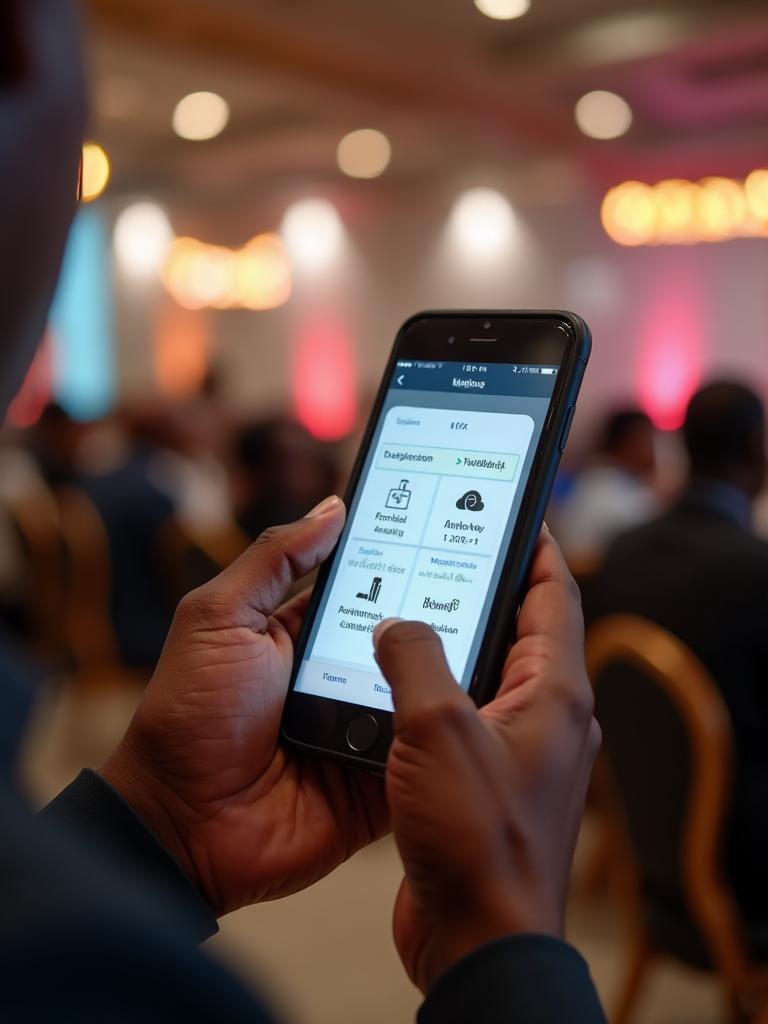
The customer is already in the chat where Nigerian commerce happens. No app to download, no link to remember.
- Your own WhatsApp ordering link, generated when you finish setting up
- Orders arrive as structured tickets, not messages to copy out
- Stock and prices come straight from your catalog
- Payment link in the same thread
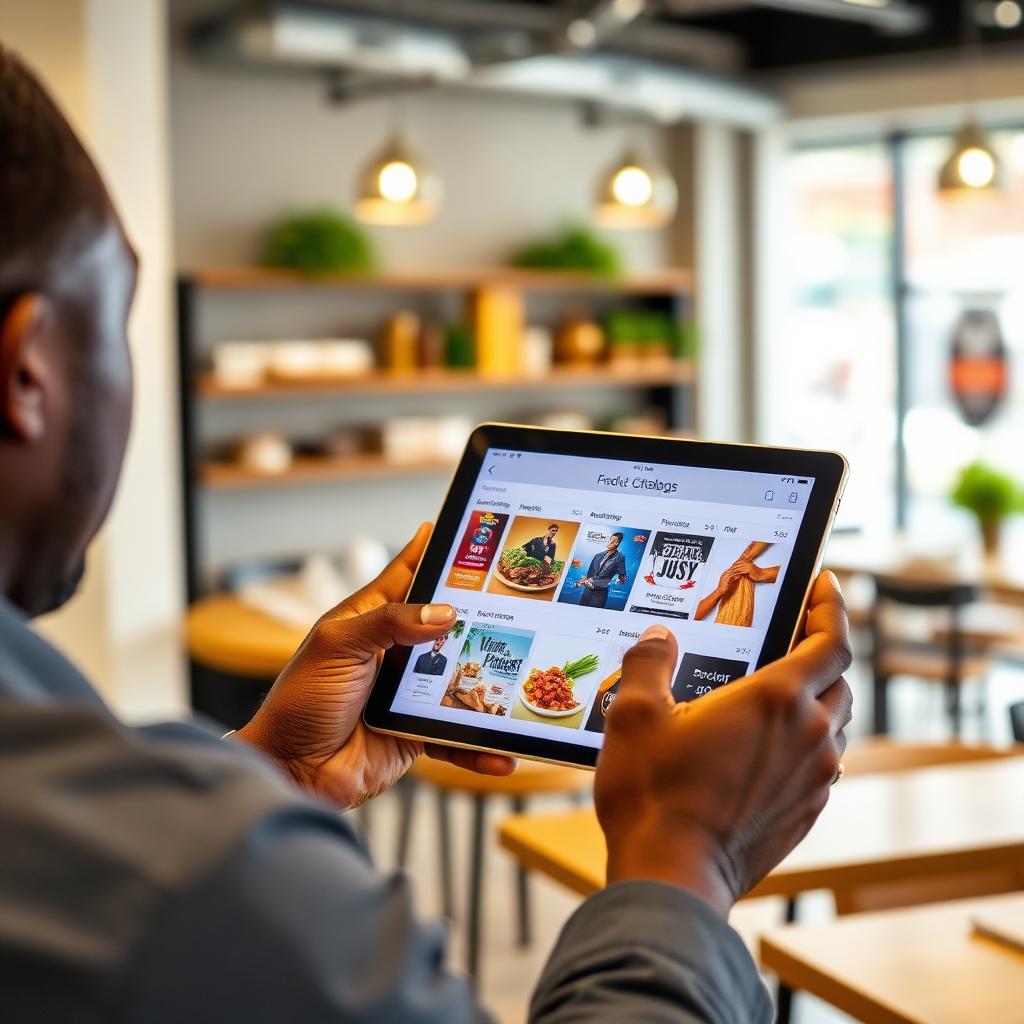
Your storefront
A customisable microsite on your own link: browse, order ahead, pay and arrange delivery from anywhere.
- Put the link in your Instagram bio and sell straight from there
- Your branding, your link, your customer list
- Order ahead and delivery, not just walk-in
- Sold-out items hide themselves as stock runs down
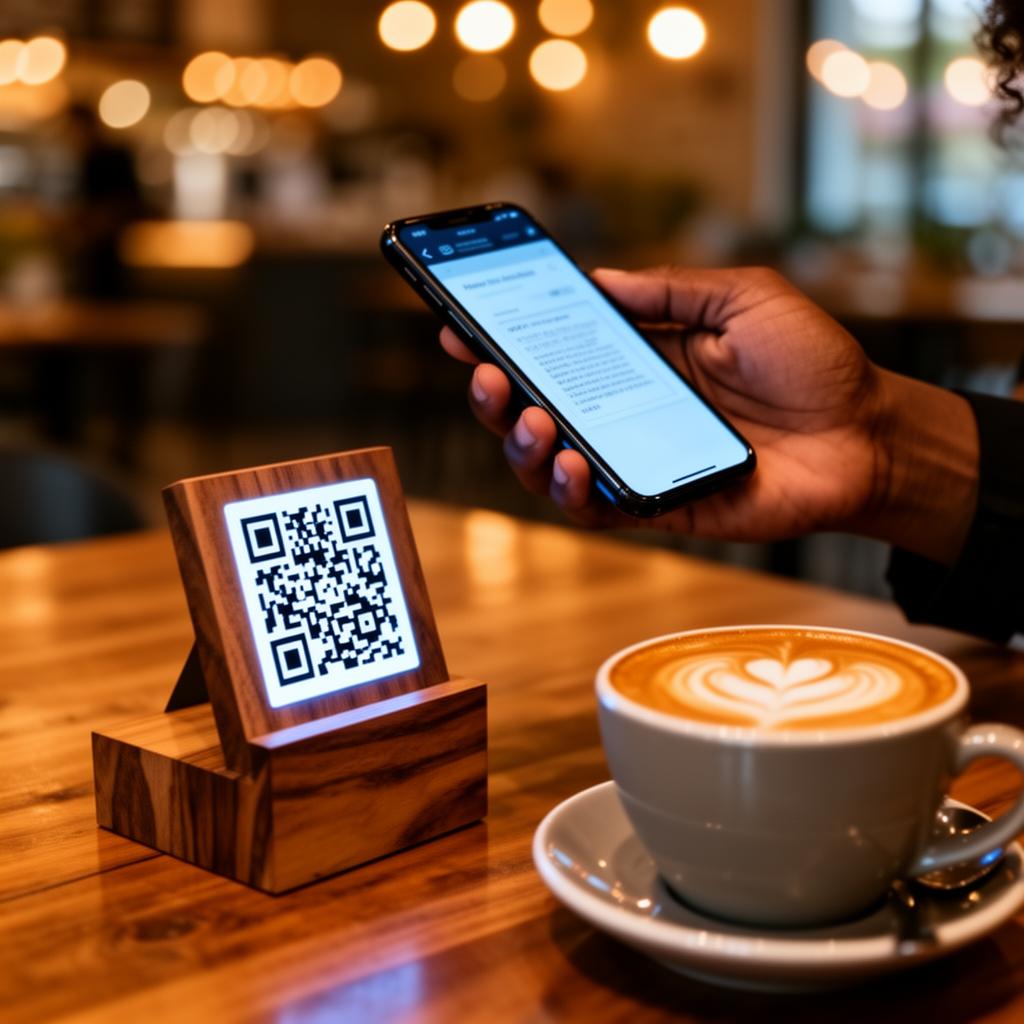
QR codes
For when the customer is standing in front of the thing: a table, a counter, a shelf, a hotel room.
- Print once, use for as long as you need it
- No card machine, no hardware cost
- Releases itself the moment payment completes
One platform behind all three: inventory, orders, fulfilment, payments, customers
Stock counts down as you sell
Every channel draws on the same inventory, so you are never selling something you ran out of yesterday.
Money settles to your bank by T+1
Card and bank transfer collections across every channel arrive as one settlement the next day.
An AI report on your phone at 7am
What sold, what didn't and what to reorder, before you open and without opening a dashboard.
WhatsApp ordering
Your customers are already in the chat.
Most Nigerian businesses already sell on WhatsApp, and already lose orders there to messages copied onto paper and transfers nobody can match up. Tab gives you a WhatsApp ordering link of your own and turns that same conversation into a real order, without asking anyone to move somewhere else.
- Your own ordering link
- Finish setting up and Tab generates a WhatsApp ordering link for your business. Put it in a bio, a status or a flyer. The chat it opens already knows your catalog.
- A structured order, not a message to copy
- The items, the quantities and the prices arrive as an order in Tab. Nobody transcribes it onto paper and nobody mis-hears a size.
- Stock answers for itself
- The catalog behind the chat is the same one behind your counter, so nobody promises something that sold an hour ago.
- Payment in the same thread
- No switching apps, no sending account numbers, no screenshots of transfers to check by hand.
Chidinma
WhatsApp · Amaka Stores
Good afternoon. Do you still have the ankara wrap dress in a 14?
14:02
Your order
- 1× Ankara wrap dress₦18,500
- 1× Leather sandals₦9,500
In stock, reserved for 30 minutes
14:02
See what's working
Your business, reported to you at 7am.
Every morning before you open, Tab reads yesterday for you, covering what sold, what didn't move, what margin you actually made and what to reorder, then sends it as a message. Not a dashboard you have to remember to open.
- What sold
- What didn't
- What to reorder
Tab
Amaka Stores
Good morning. Yesterday at Amaka Stores:
Sold well
- • Beaded clutch: sold out, 9 gone by 4pm
- • Leather sandals: 7 sold, 3 left
- • Ankara wrap dress: steady, best margin of the day
Didn't move
Denim jackets, nothing sold in eleven days.
Reorder today
Reorder beaded clutches and sandals before Friday.
7:00
How it works
Live the same day you sign up.
No card machine to order, no engineer to schedule, nothing to mount on a wall. Most businesses are taking orders through Tab before the day is out.
Step 1
Open an account.
No sales call to book and nothing to install. You're in and looking at the dashboard straight away.
Step 2
Load your catalog.
Import a spreadsheet if you have one, or add items by hand. Prices, photos and what you have on hand, once.
Step 3
Turn on your channels.
You get a WhatsApp ordering link and a storefront link when setup finishes. Share them, print QR codes if you want them, and you're open.
Step 4
Get paid and get told.
Money settles to your bank by T+1, stock counts itself down, and your report lands at 7am.
Hardware
Whatever you already have becomes your till.
Tab is a web app. If a device opens a browser, it runs Tab: the phone in your pocket, a spare tablet on the counter, the laptop in the back office, even the POS terminal you already own. Nothing to buy, nothing to lease, and nothing to rip out if you change your mind.
Your phone
Android or iPhone, whatever the team already carries.
A tablet
A spare one on the counter becomes a full till.
A laptop
The back office machine, for stock and reporting.
Your existing POS
If the terminal opens a browser, it runs Tab.
| What you're running | Runs on |
|---|---|
| Taking the order | Your customer's own phoneWhatsApp, your storefront link, or a QR code. Nothing to hand them. |
| Watching the order queue | Any phone or tabletWhatever your staff already carry. It opens in the browser. |
| Ringing up at the counter | The POS you already ownIf your terminal opens a web browser, it runs Tab. No swap-out, no migration. |
| Checking stock | The same browser, same loginNo separate stock app, no spreadsheet to keep in step. |
| Getting paid | Collect in Tab, or on your own POS machineTake card and transfer through the built-in gateway, or collect on the machine you already have and record it in Tab. |
| Your 7am report | The phone in your pocketIt arrives as a message. You don't go looking for it. |
What you actually need to open
- A device with a web browser: phone, tablet, laptop or the POS you already own.
- An internet connection.
- A bank account for settlement.
That's the whole list. If it runs a current browser, it runs Tab.
A dedicated Tab device is in the works for businesses that want a fixed till. It will always be optional. Tab will never require hardware.
Why Tab
Why Tab
“TAB transformed how we handle payments. Our customers love scanning and paying right from their table — it's been a game-changer for our restaurant.”
<3s
to complete a payment
Zero
hardware cost
T+1
settlement to your bank
100%
payout success rate
Get started
Get your business running on Tab this week.
Tell us about the business and we'll come back to you with a quote. No card machine to order, nothing to install. Most businesses are selling through Tab the same week they get in touch.
Pricing
Pay as you go is credit-based: a small amount comes off your credit per sale, and nothing is charged when nothing sells. Or take a flat monthly subscription. The whole platform is in both, and we quote per business.
See what's includedWould rather write? tab@billif.com or see all the ways to reach us.